Blender Drone Tutorial - Learn Blender & Substance Painter
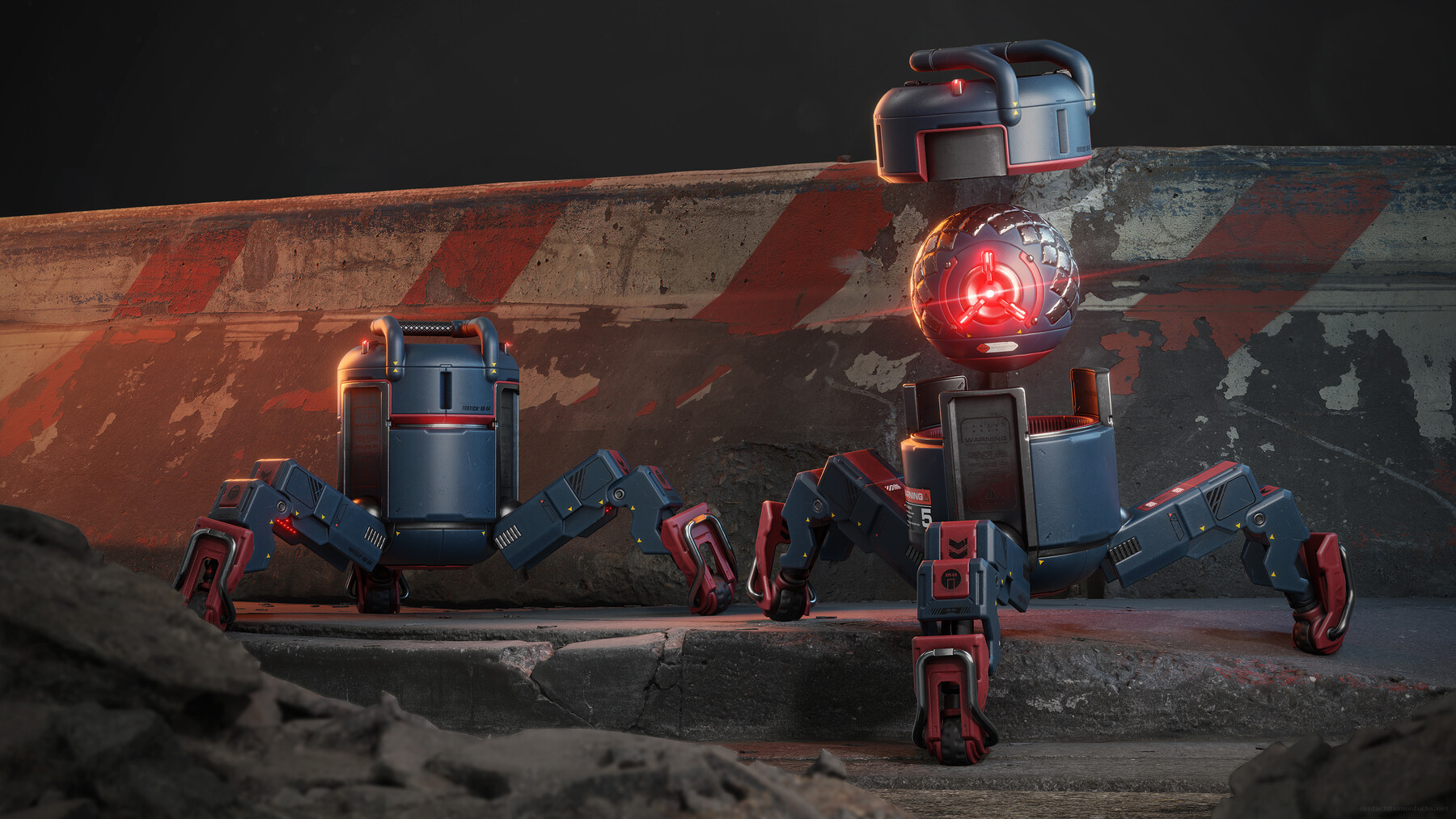
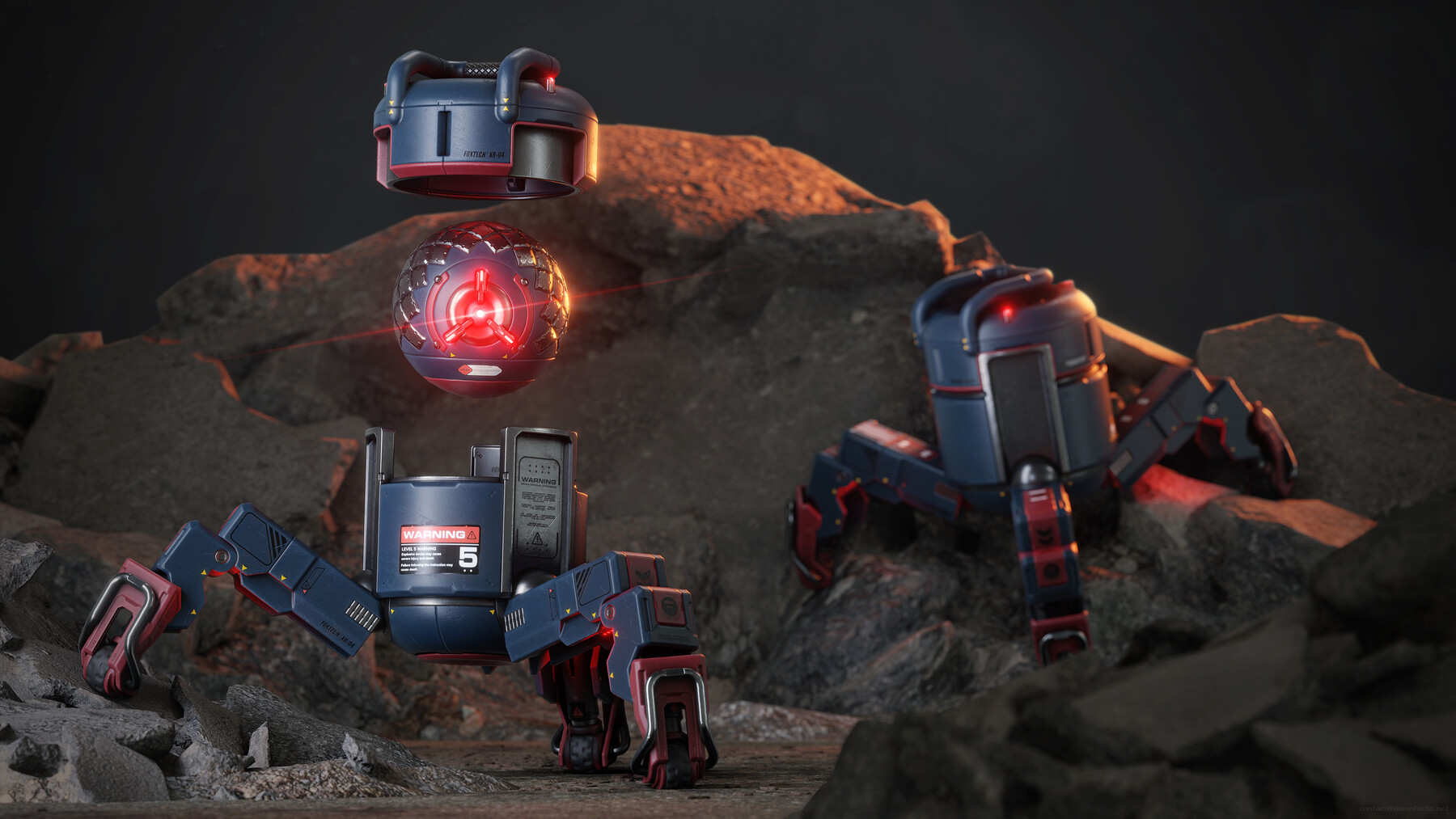
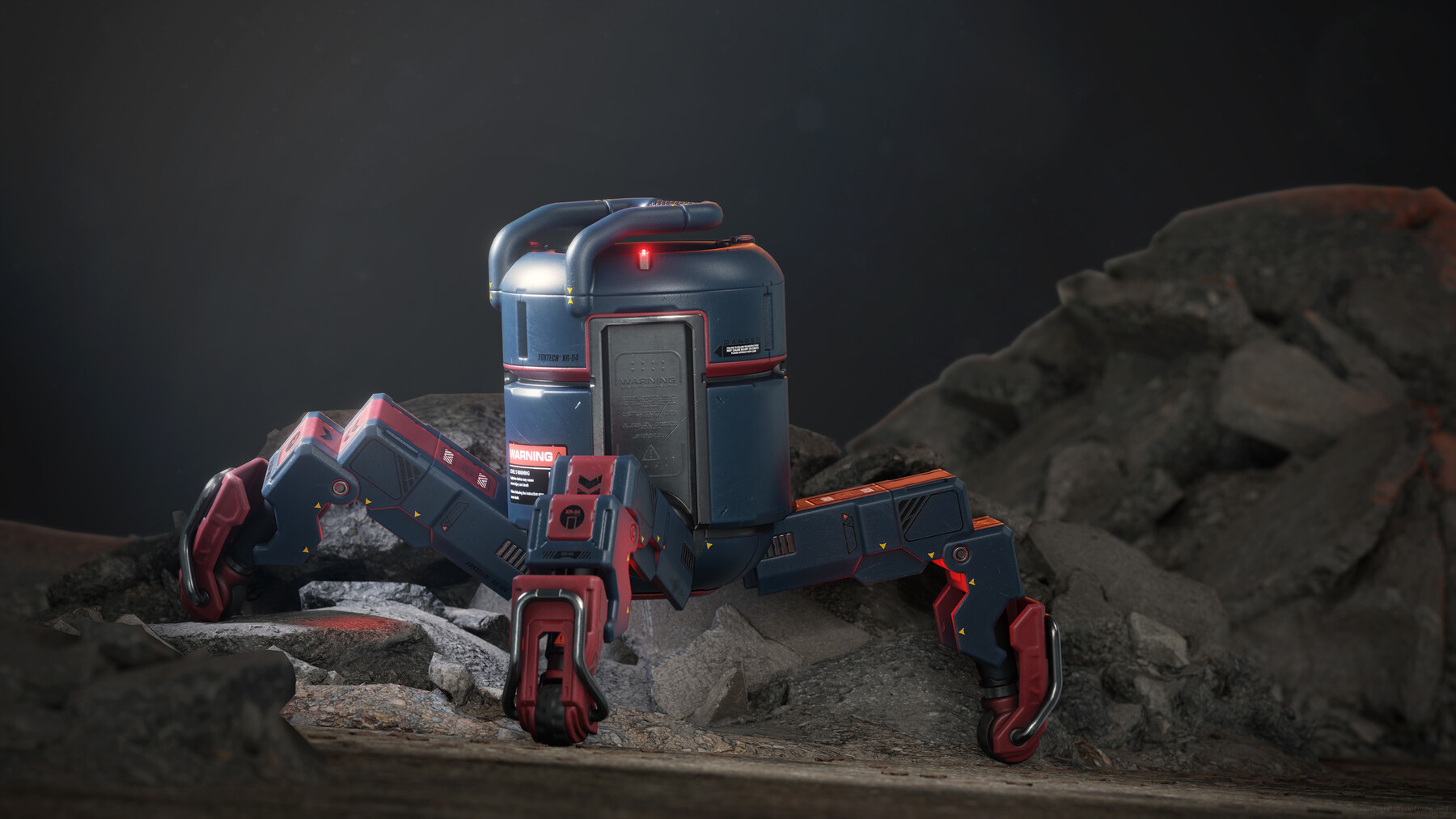
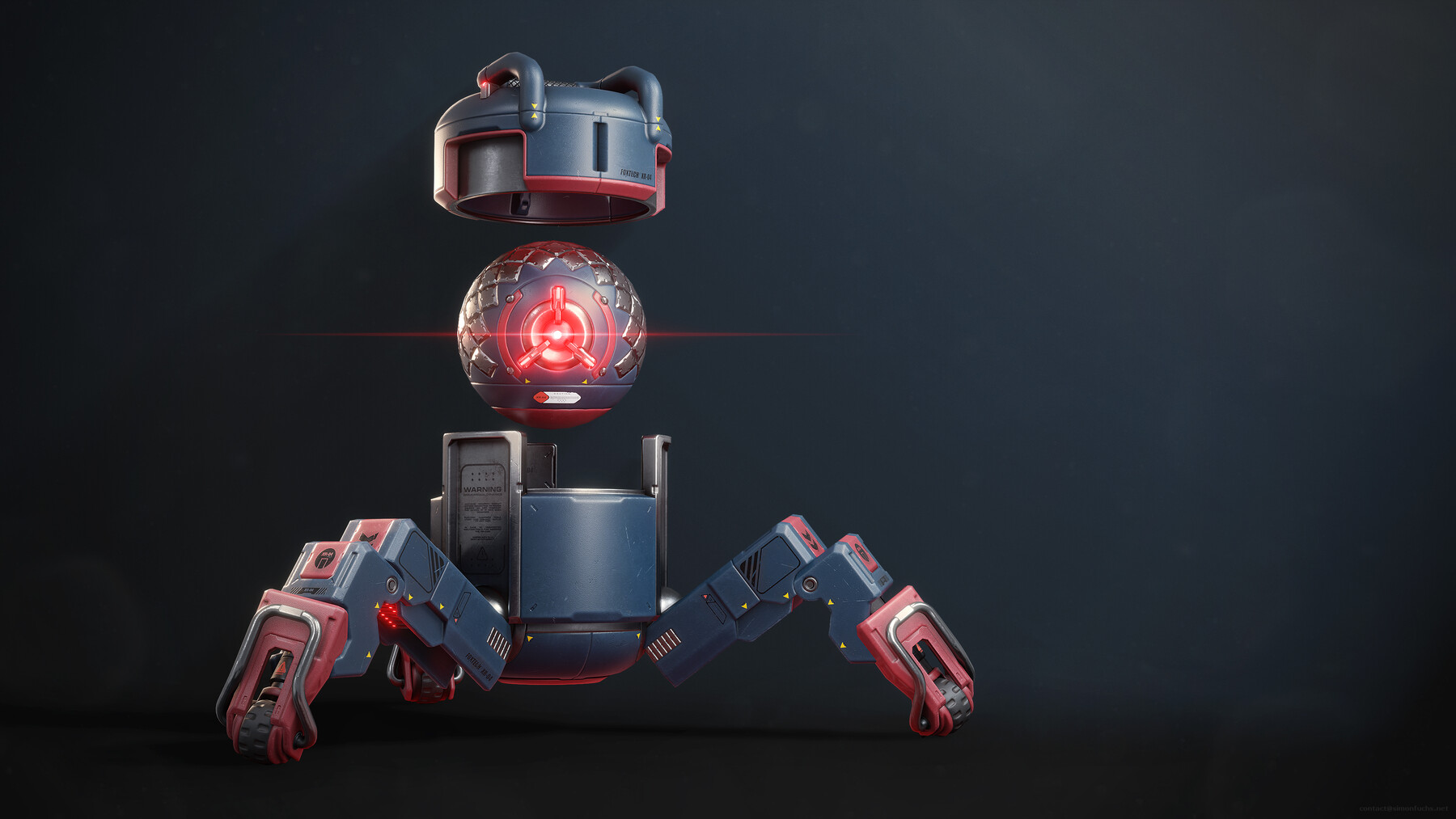
Content:
- 11 4k video files, including a 4-hour Intro to Blender course.
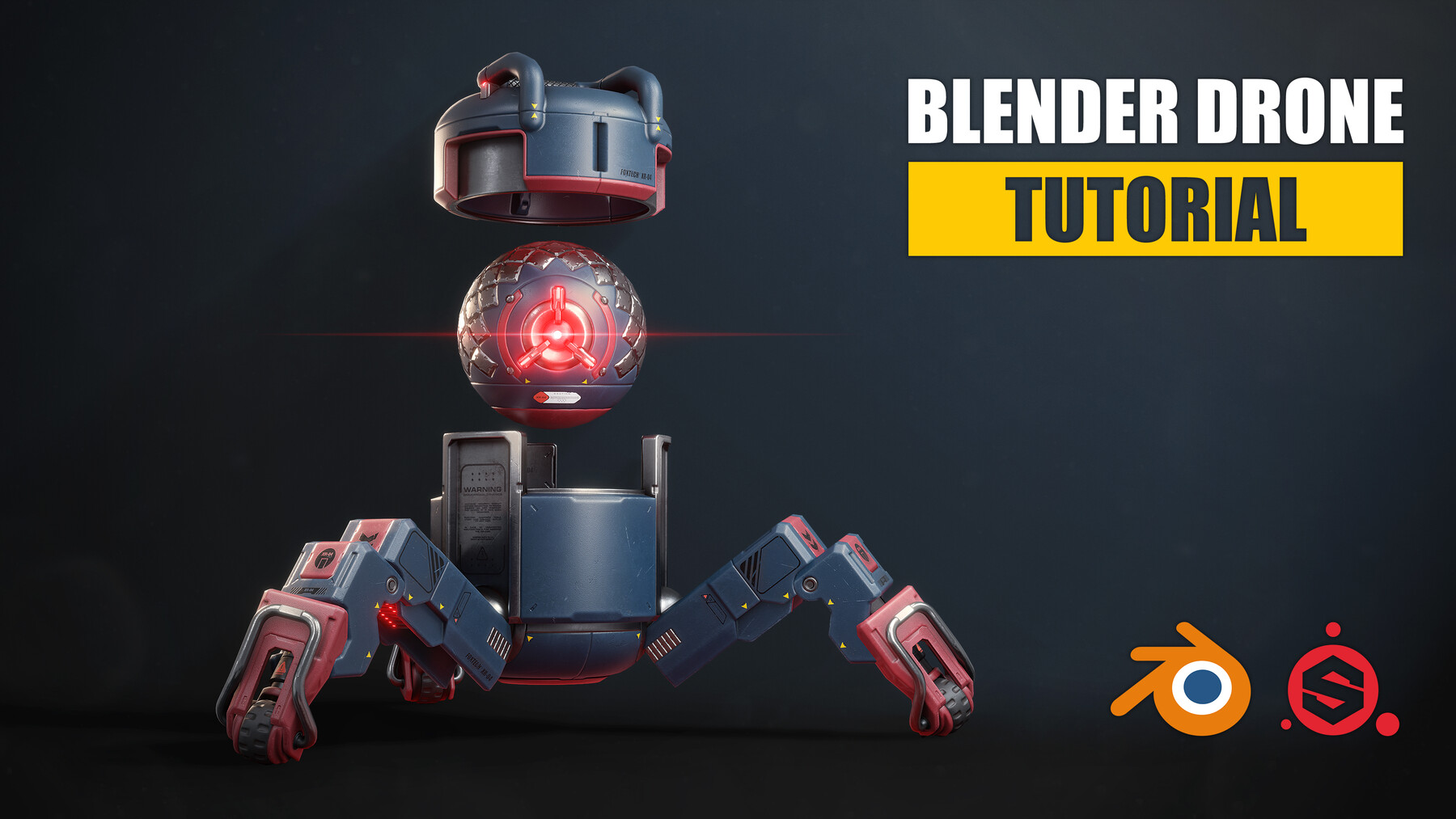
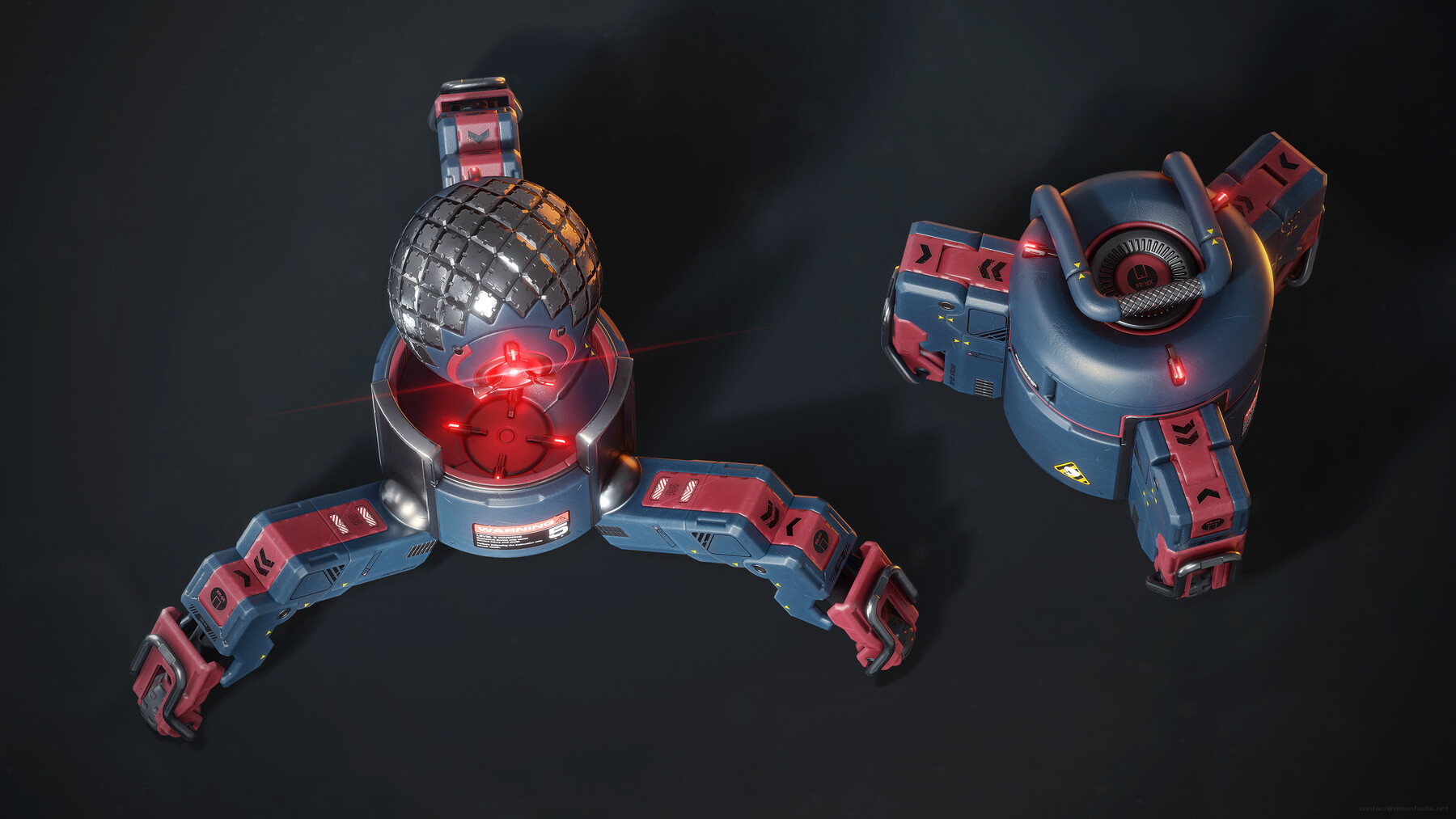
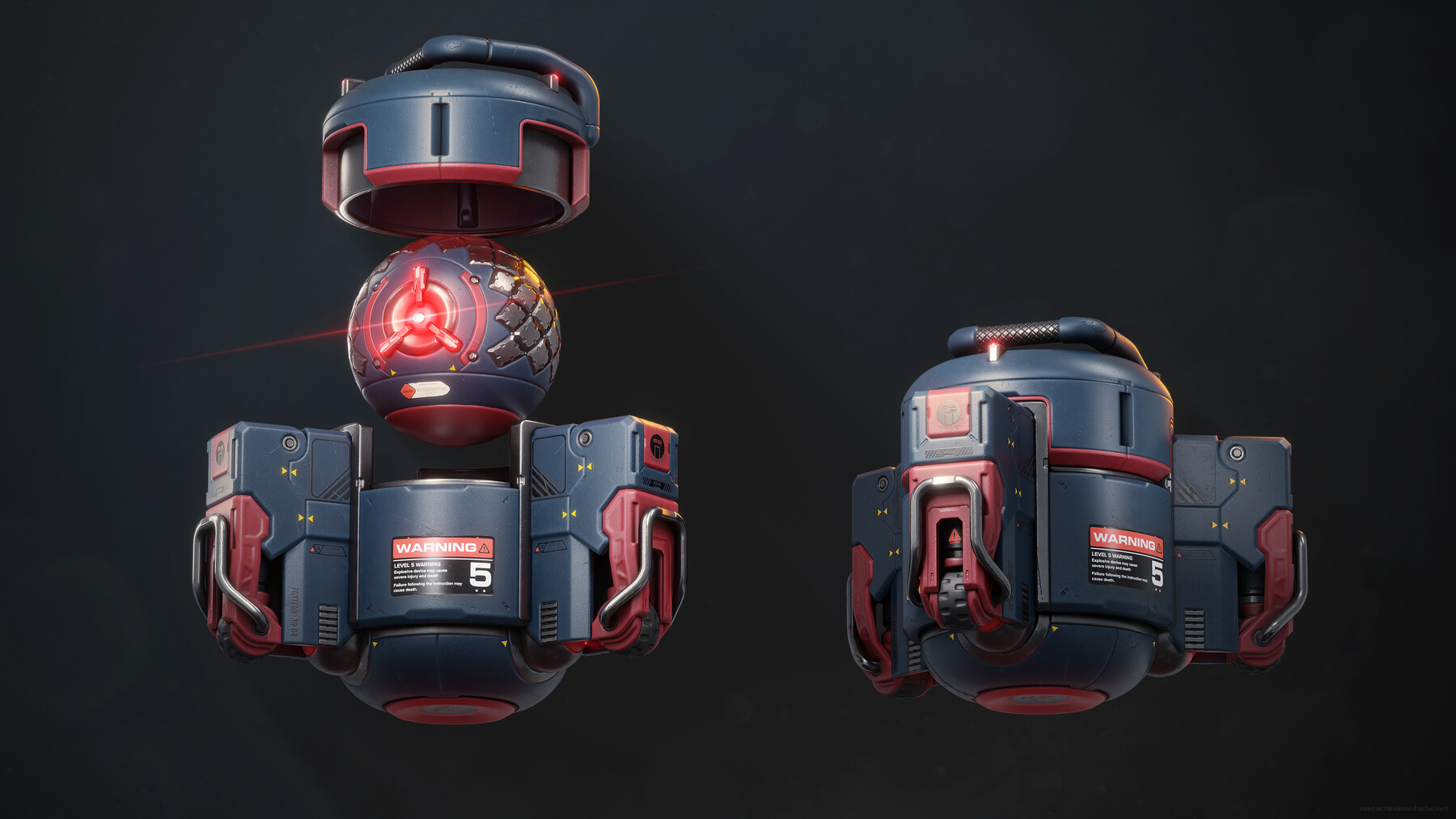
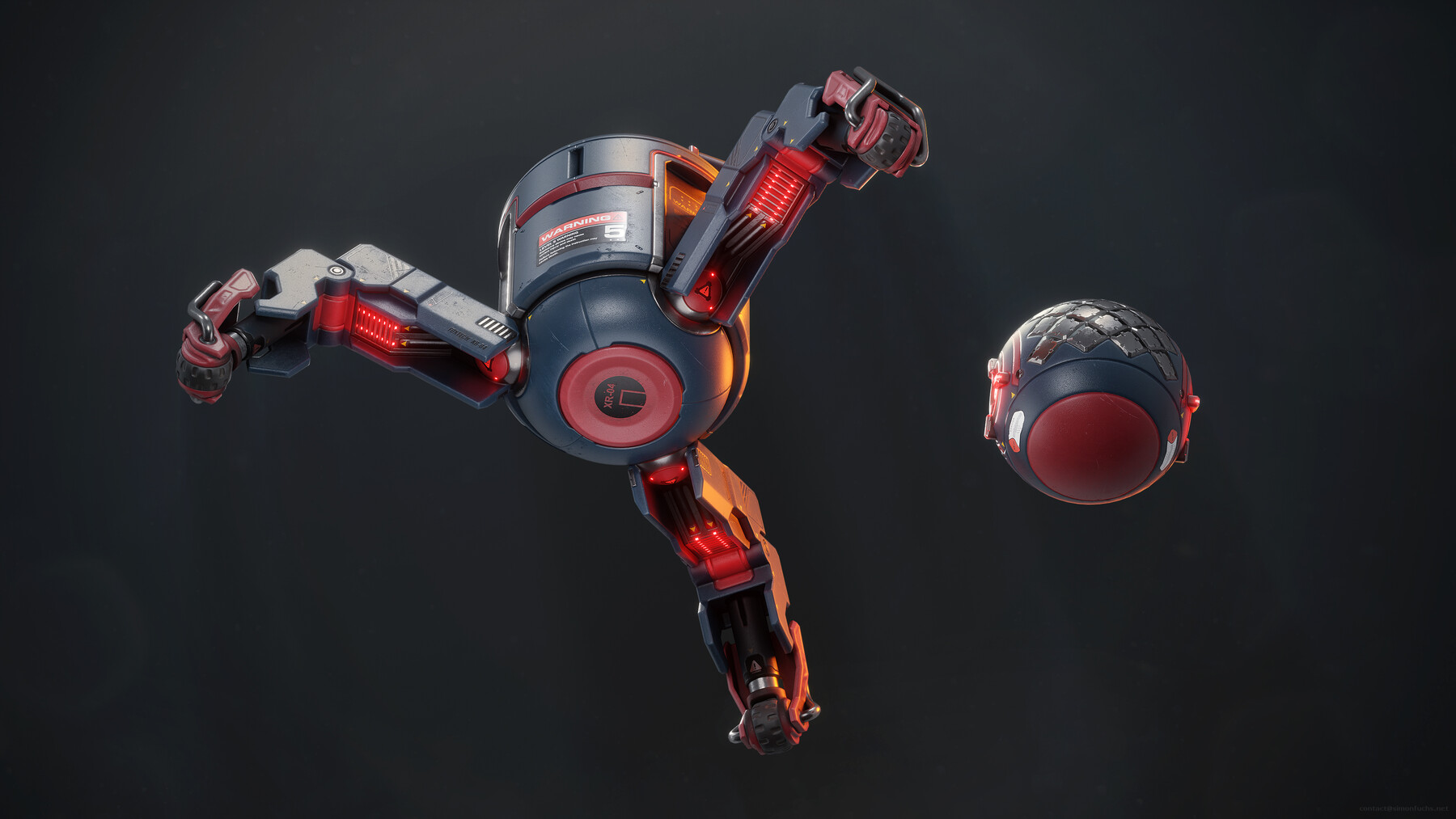
- Final highpoly and lowpoly Drone model with textures.
- Final Substance Painter file containing all source materials.
- My personal Blender hotkeys as well as a list of all of the scripts and plugins that I am using.
- Final Blender files for the posed shot of the drone as well as a few other shots.
- Final PSD Files of all rendered images.
Duration:
Around 25 hours of video with full audio commentary in English. Everything is recorded in realtime, no step in the creation of this asset is left out or sped up.
Description:
Did you ever want to learn Blender and are you looking for a quality tutorial using industry-proven techniques? Do you want to become a faster and more efficient modeler and learn the latest techniques in 3d modeling, texturing, and game art? If so, this is the course for you.
I`ve recorded the entire process of creating this game asset in 4k video and am going to give you all the tools and resources needed to recreate this Drone. You are completely free to follow each click I make to get the exact same result or you can challenge yourself and create your own version as you follow along. Regardless of your approach, we`ll do a deep dive on low-poly and high-poly modeling, UV mapping, baking, texturing, and rendering. At the end of this course, you will have a deep understanding of how to create a current-gen videogame asset that stands out!
Intro to Blender:
In this chapter, I will teach you how to use Blender in around 4 hours of video. Whether you are a beginner in Blender or already have some experience, you will get a detailed overview of my workflow. I will be providing you with all the scripts, hotkeys, and plugins that I use and will be showing you detailed examples of when and how to use them. At the end of this video, you will be able to use Blender to create the Drone model.
Blender Modeling and baking:
In the modeling part of this tutorial, we will create the highpoly, lowpoly, and UV coordinates for our Drone model. I will show you how to take advantage of Blender's advanced features like the Bevel shader to quickly create a highpoly model for your Drone. I will teach you how to create an efficient UV layout for your lowpoly to get the highest texel density possible. After the UV`s are created, we will bake our Drone model in Blender and I will show you everything you need to know to create the perfect bake. You will learn how to fix errors in your bake and how to use a cage in your baking workflow to generate a perfect normal map.
Substance Painter Texturing:
In this part of the tutorial, you will learn how to make an ultra-realistic texture for your Drone model. We`ll cover the creation process for all the materials on the Drone from scratch and will use procedural textures, masks, and generators to add wear and tear to the Drone resulting in a photorealistic texture.
I will also teach you the latest features in Substance Painter like anchor points, decals, and projection layers to create stunning looking materials.
Blender Rendering:
In this chapter, you will learn how to create realistic renderings for your Drone using Blender's built-in Evee real-time renderer. I will be teaching you how to light your object and set up your camera and environment to create realistic lighting. I will teach you how to create portfolio ready images using advanced features like screen-space reflections, screen-space ambient occlusion, particle system, fog volumes, and post-processing effects.
After we render out our images, I`ll show you how to do final adjustments in Adobe Photoshop to create portfolio ready images of your Drone.
What do I need to follow this tutorial?
It is recommended to follow the course with the same software I use throughout the tutorial.
- Blender 2.82 or newer
- Substance Painter 2020 or newer
- Adobe Photoshop
Note: I do use Hardops in the video, but will show you how to use booltools as a free alternative. I do use UV Packmaster to pack my UV`s, but you can use Blender`s default pack function or this tool as a free alternative.
Who is the target audience?
The tutorial is aimed at beginners as well as intermediate artists. It`s best if you have a basic understanding of 3d modeling concepts. Regardless of your skill level, after this course, you should be able to use Blender to create AAA quality game art.
Relevant links:
For questions, feedback and comments feel free to reach out using the links below:
Twitter
Artstation
Facebook
Instagram
Release Notes
The source files of the drone tutorial have been updated to include Andrian Luchians decals. I`ve fixed an error in the Intro to Blender video and added a section about UV-Packer, a free alternative to UV Packmaster.