Handgun Tutorial Complete Edition - Learn 3D Studio Max, Zbrush, Substance Painter
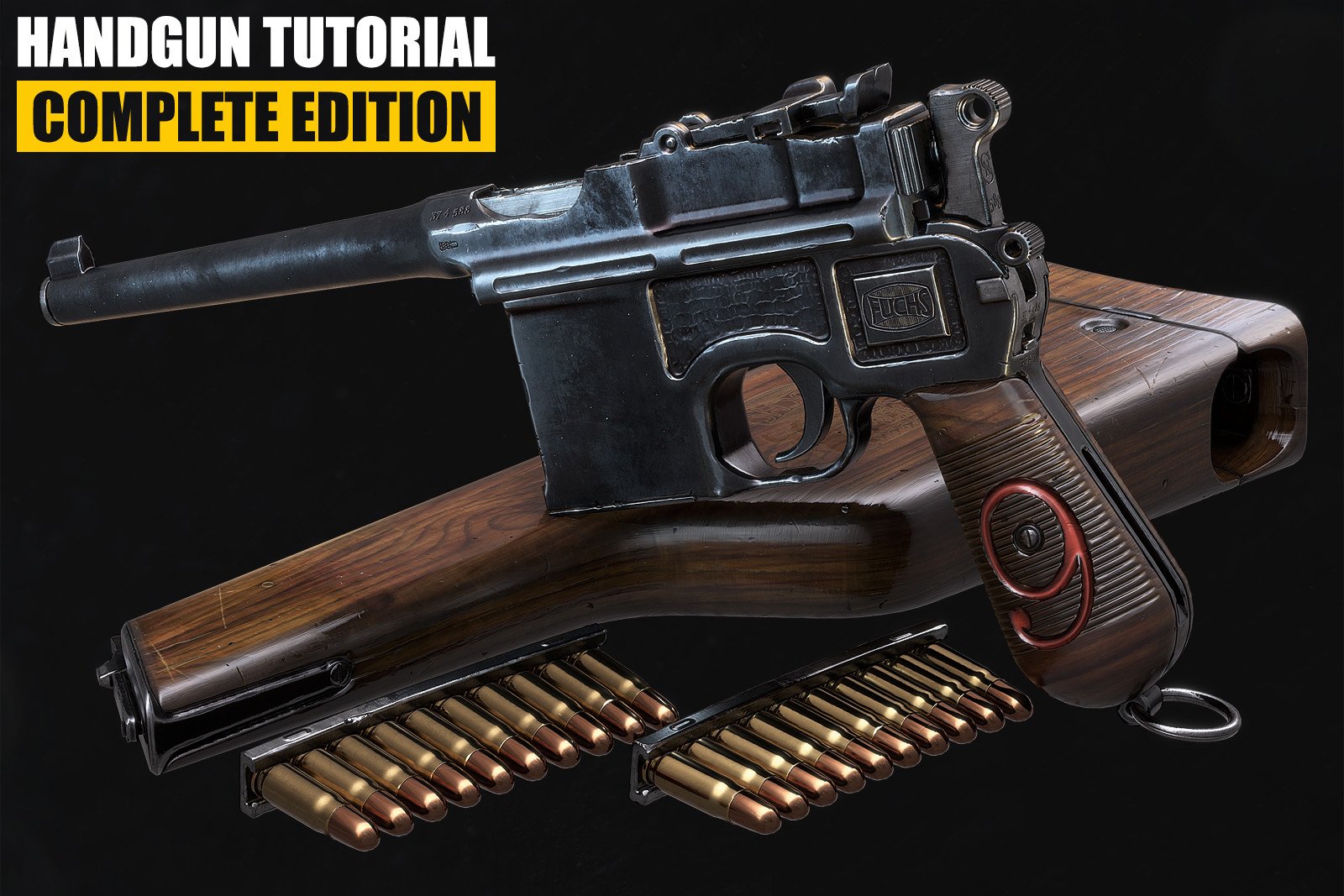
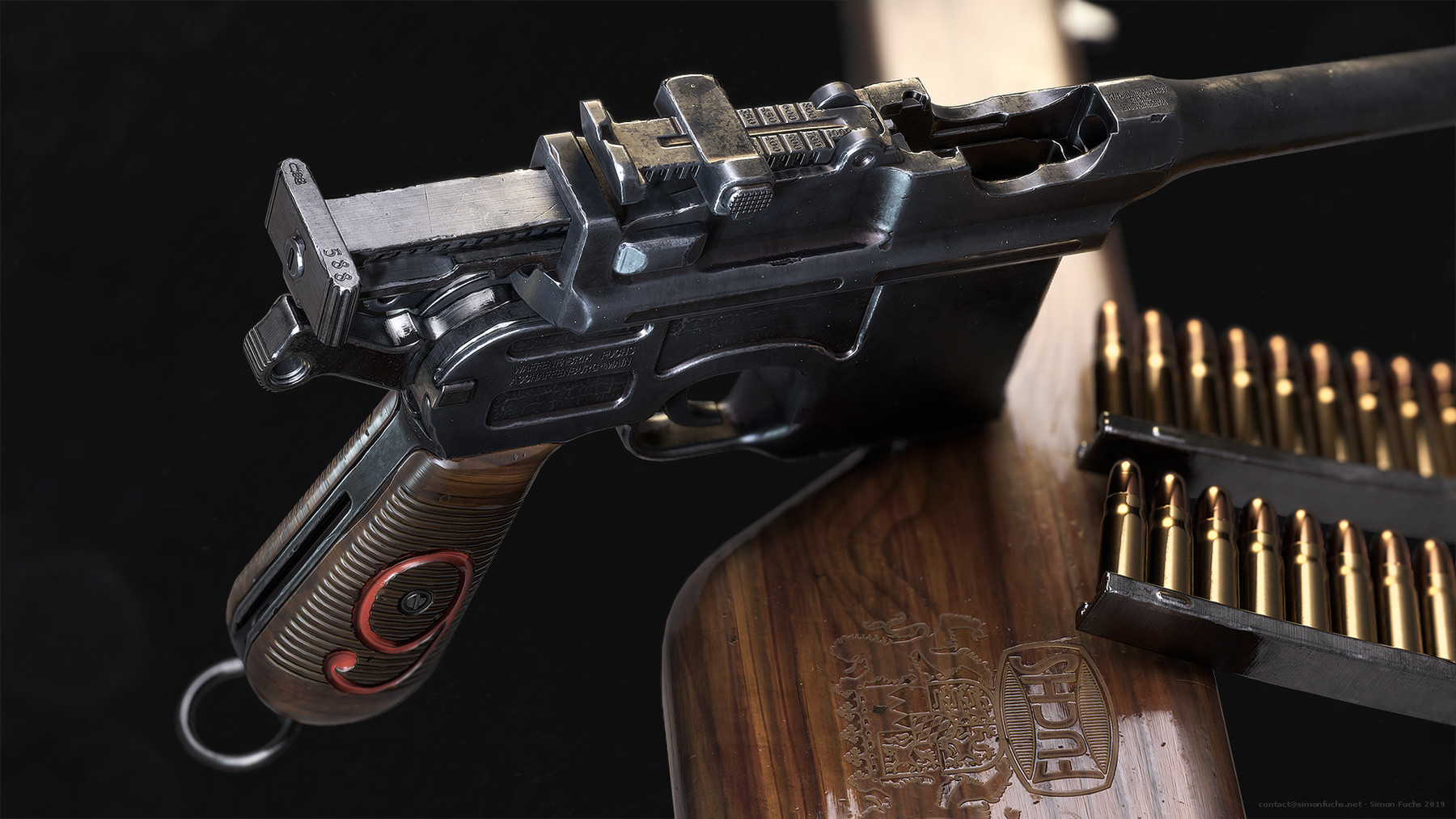
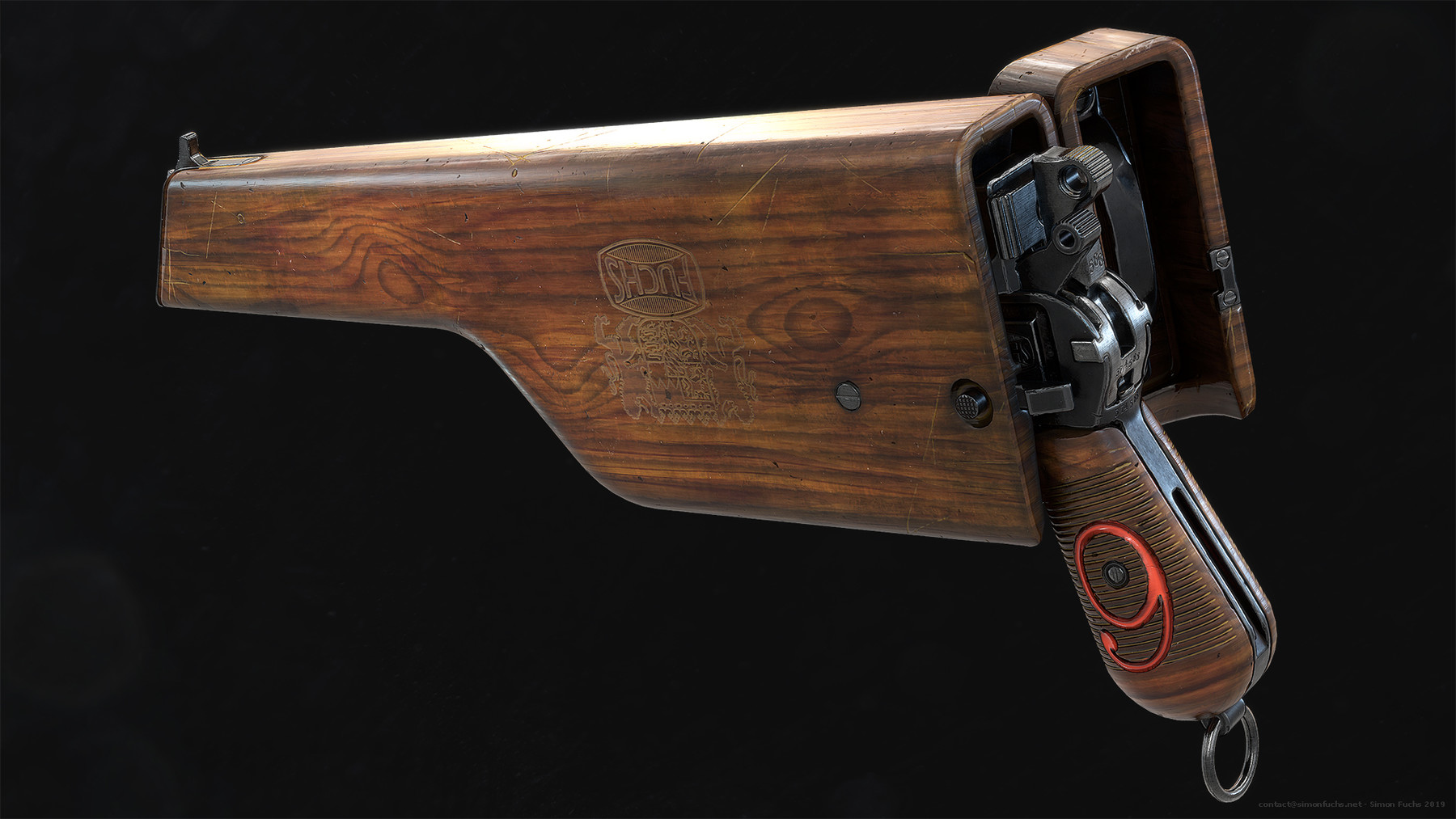


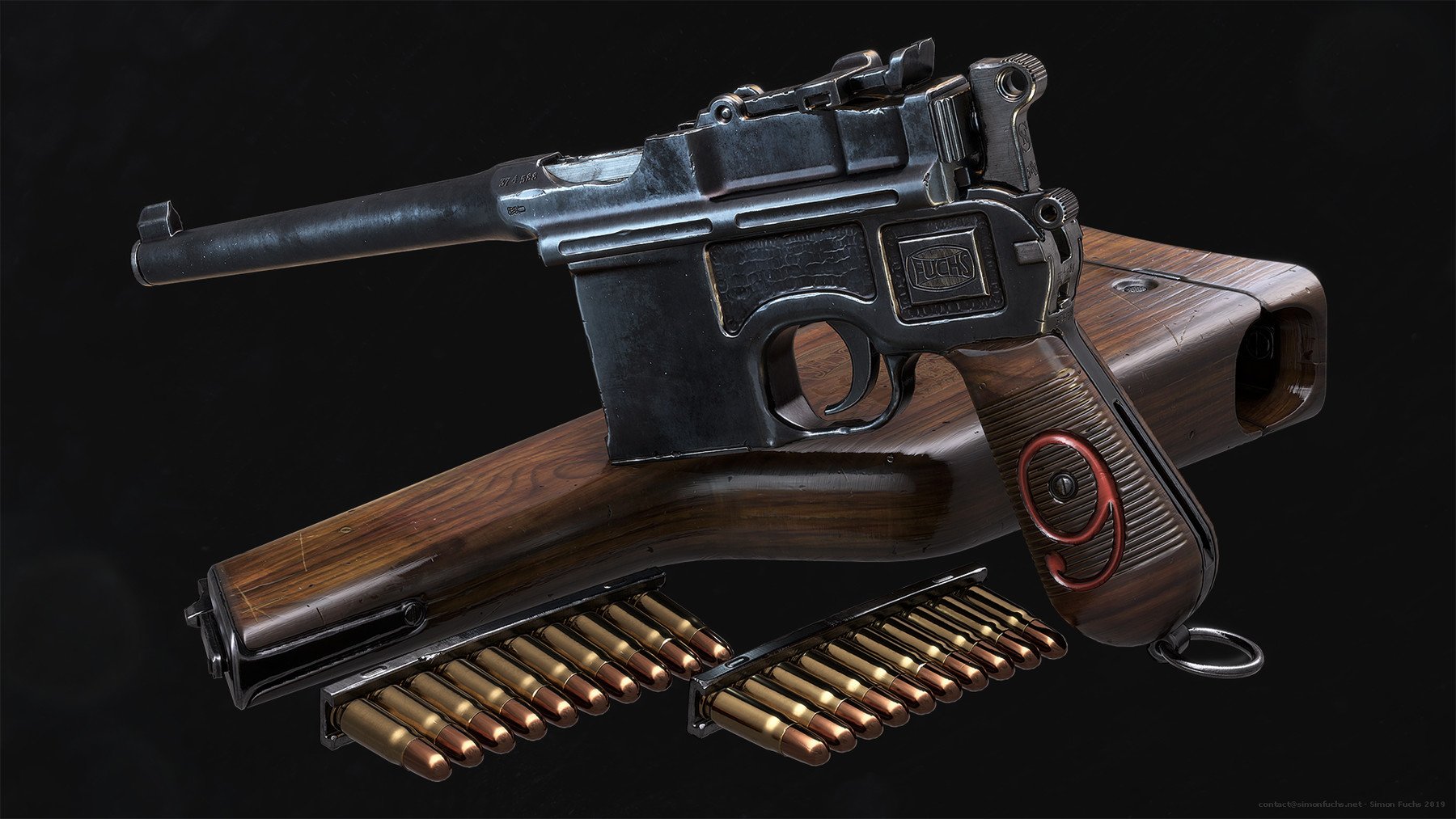
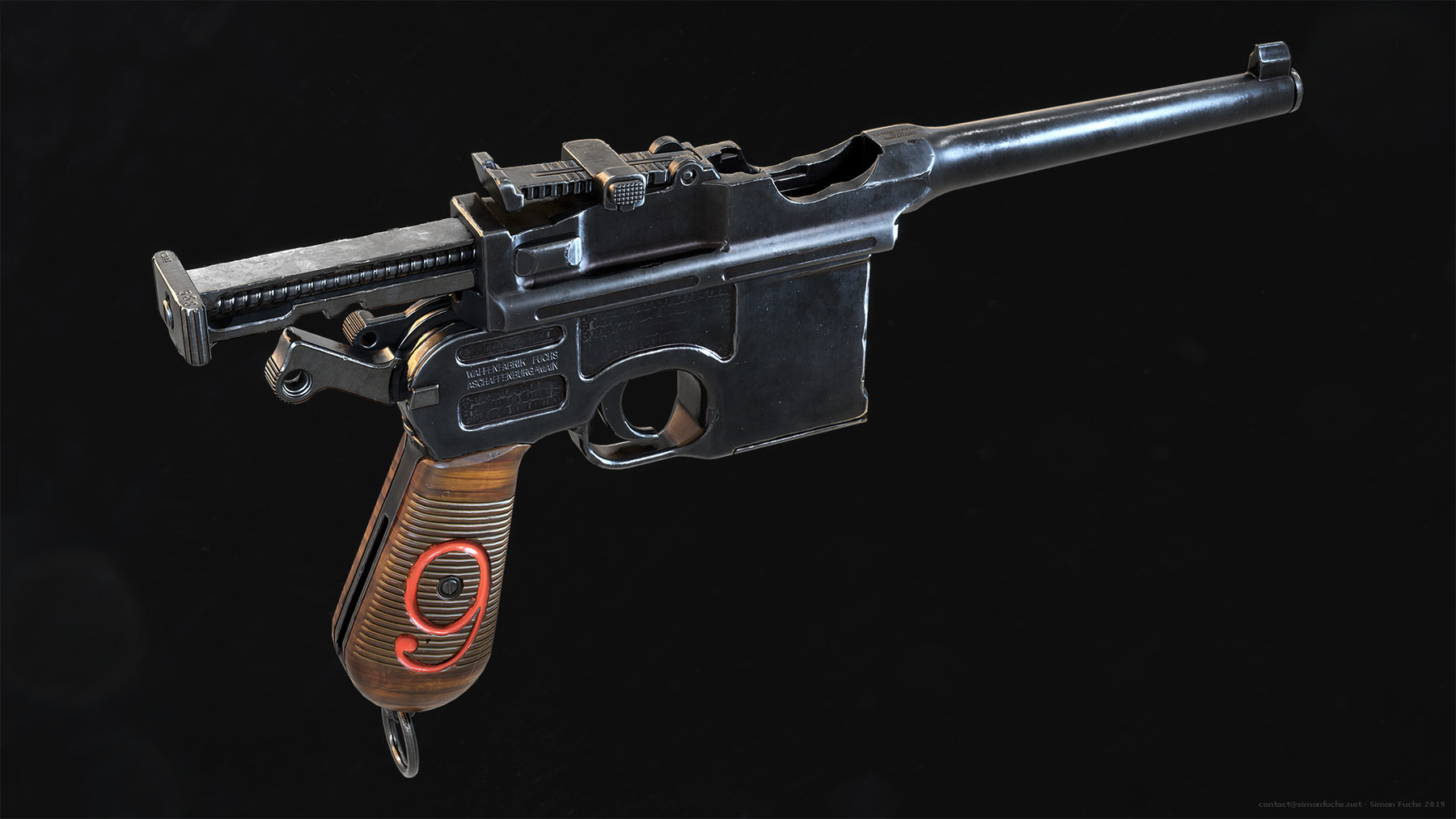
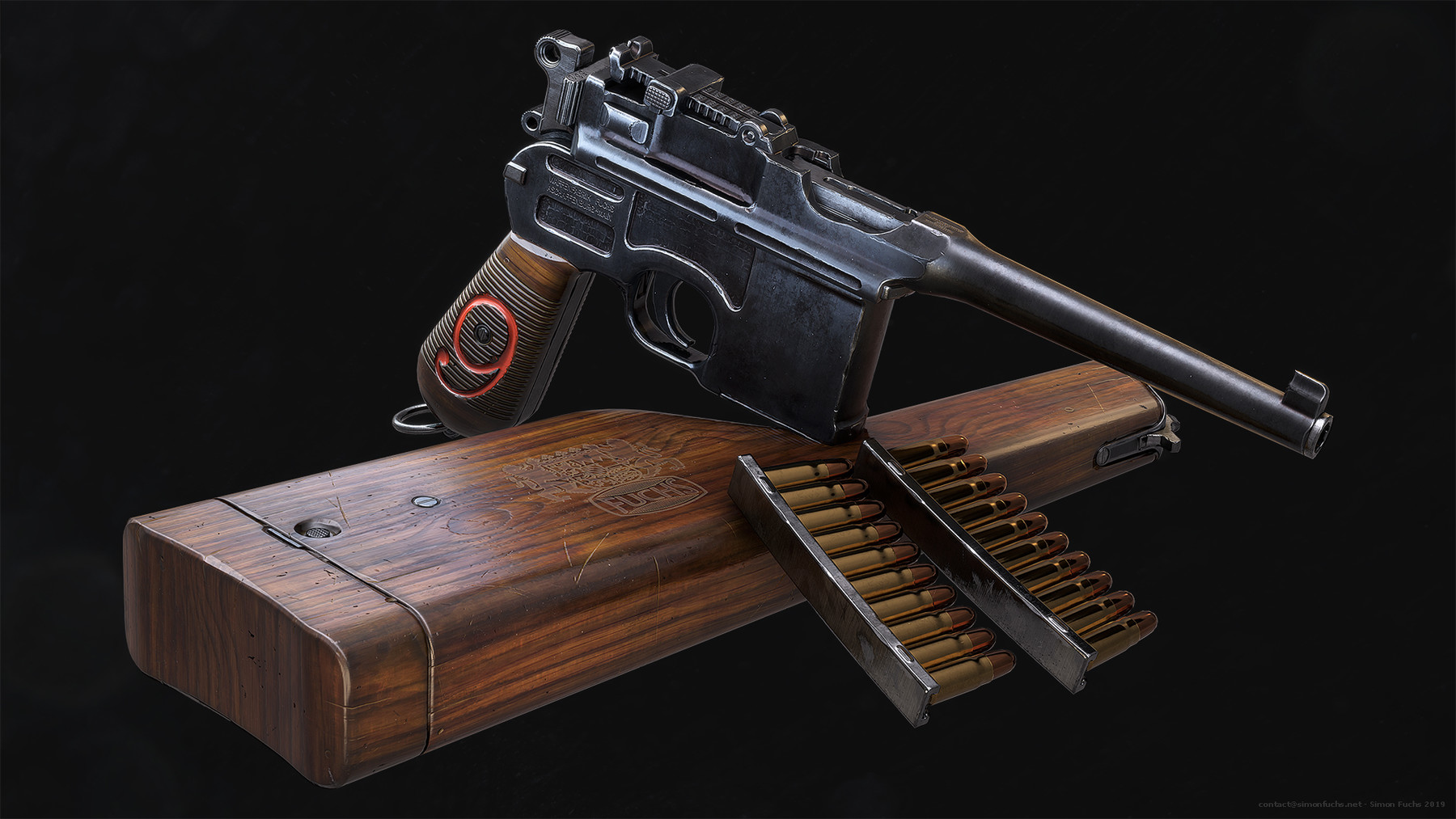
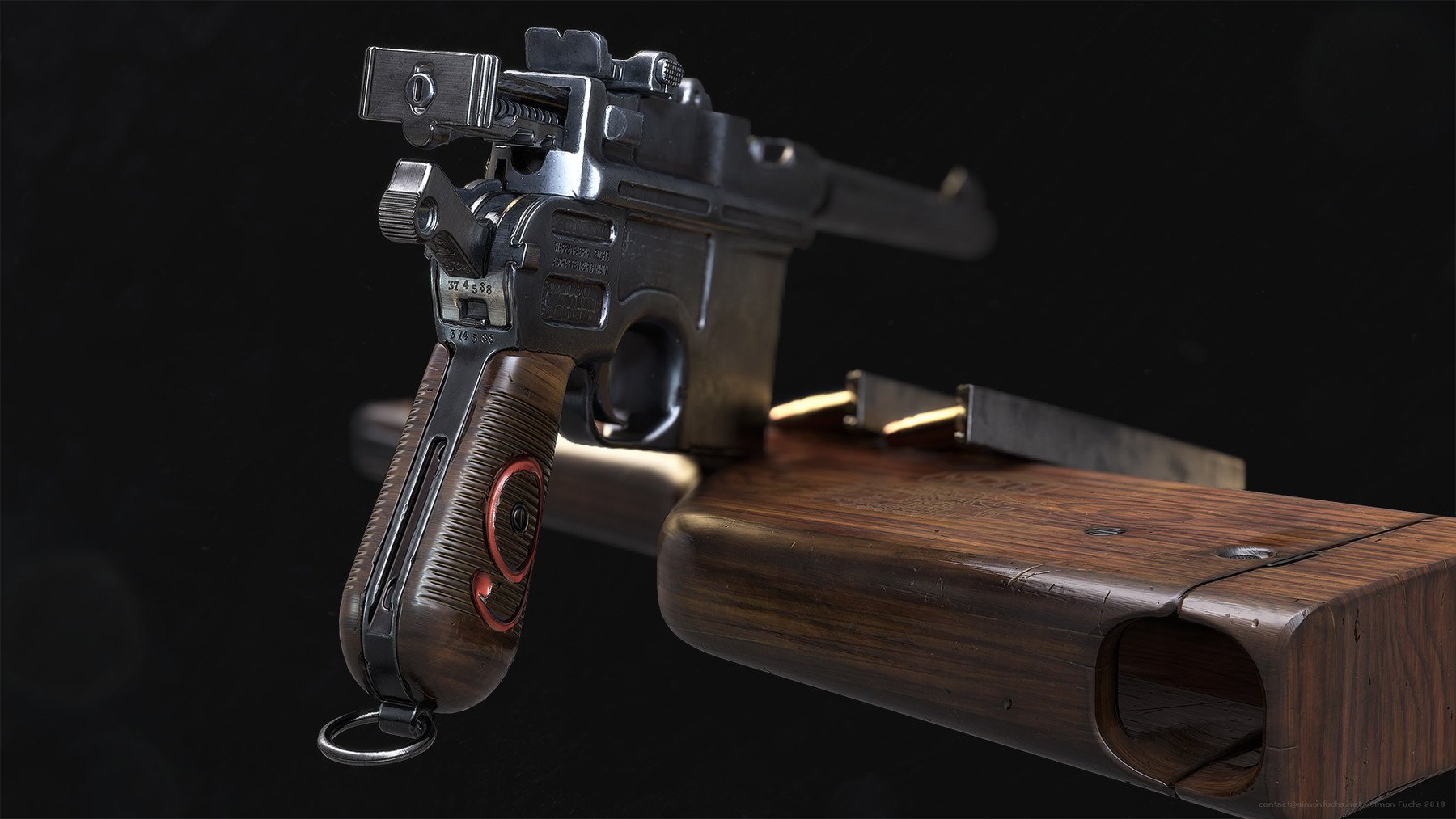
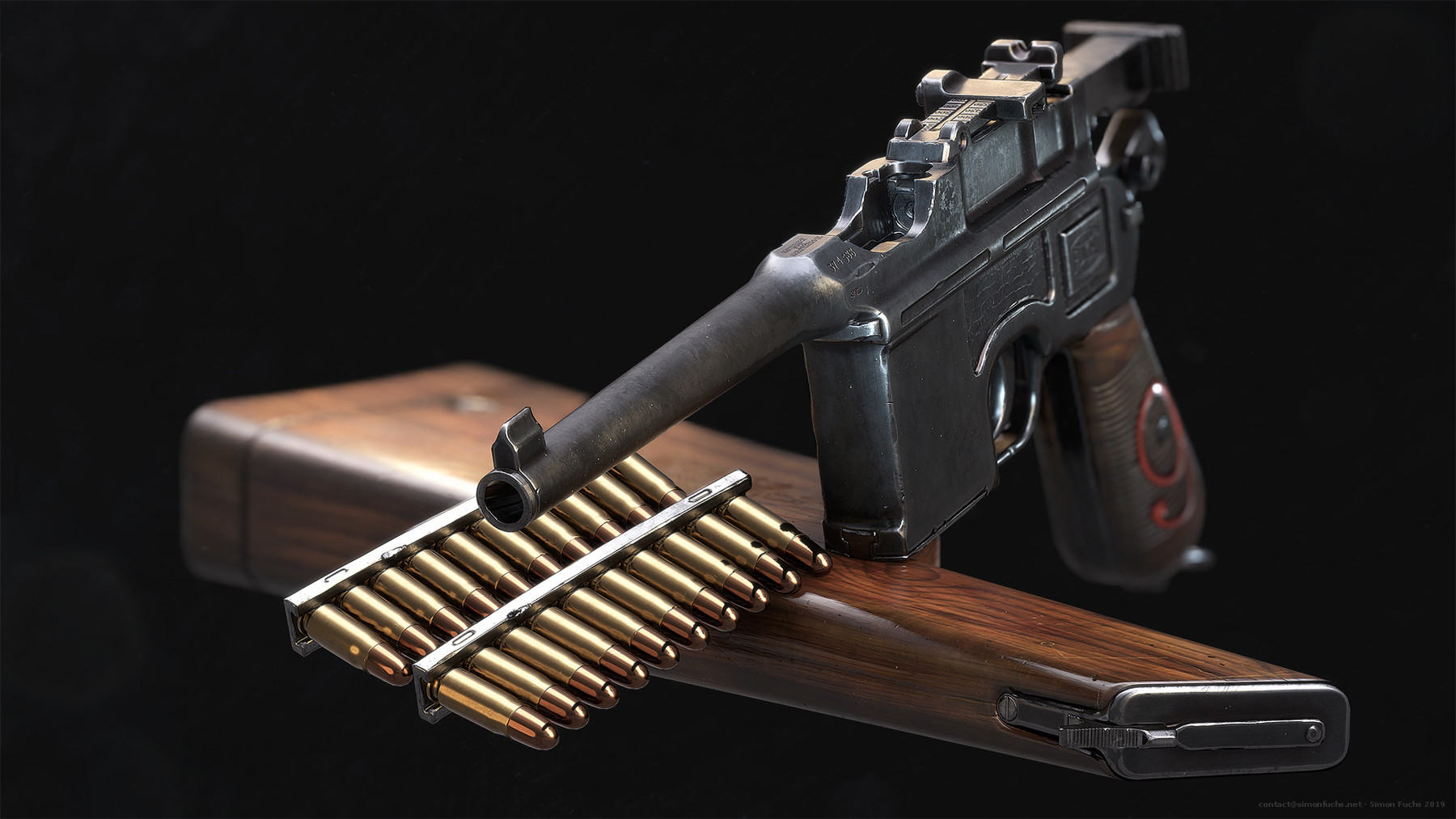
Complete Edition Content:
- 19 HD Video Files
- Final high-poly and low-poly Gun model files including textures
- All scripts, plugins, and hotkeys that I am using in Max (download links)
- All plugins and materials that I am using in Zbrush (download links)
- Final Substance Project file
- Final Marmoset Toolbag files for all rendered images
- PSD File with Highpoly Render Setup
Duration:
Over 50 hours of video in MP4 format with full audio commentary in English. Everything is recorded and commented on in real time.
Description:
Are you thinking about a career as a 3D artist in the video game industry? Do you want to become a faster and more efficient modeler and learn the latest techniques in 3d modeling, texturing and game art? This tutorial will help you understand and apply all aspects of creating high-quality PBR game assets!
Follow this course as we model, unwrap, bake, texture and render a handgun to current generation video game standards. Every step is documented without fast forwarding.
Intro to 3D Studio Max and Zbrush:
You will get a detailed overview of my workflow and an introduction to 3D Studio Max and Zbrush in over 5 and a half hours of fully commented video. I will be providing you with all the scripts, hotkeys, and plugins that I use on a daily basis. This chapter will teach you all the skills that you need to follow the tutorial.
Max and Zbrush - Modeling:
The modeling part covers the entire modeling process of the gun model, including blockout, highpoly and lowpoly. You will use advanced modeling techniques like boolean operations to create complex shapes in no time, without having to set up time-consuming support loops. You will learn how to use Zbrush to quickly create a high-poly model as well as add a damage pass to the gun, making it stand out from all the other weapon models out there. After the modeling process, we will jump straight into creating UV coordinates for the asset and focus on the importance of an optimized UV-Layout to get the highest texel density possible.
Substance Painter - Texturing:
After modeling, we will bake our asset in Substance Painter. You will learn how to create perfect bakes, fix baking errors and how to create all the maps needed for the final asset. Right after, you will learn how to make an ultra-realistic texture for the handgun. I`ll teach you everything you need to know about texture creation in over 5 and a half hours of fully commented video.
You will learn how to create every material needed for the gun from scratch and use procedural textures, masks, and generators to add wear and tear resulting in a photorealistic texture.
Marmoset Toolbag - Rendering:
In this chapter, you will learn how to create realistic renderings for the handgun in Marmoset Toolbag. I`ll teach you how to light your asset and set up your camera and environment to create realistic lighting for the gun. I will teach you how to create portfolio ready images using post-processing effects through the marmoset cameras as well as final adjustments in Adobe Photoshop.
What do I need to follow this tutorial?
It is recommended to follow the course with the same software I use throughout the tutorial.
- 3D Studio Max 2019 (or previous version)
- Substance Painter 2018 (or previous versions)
- Pixologic Zbrush 2019 (or previous versions)
- Marmoset Toolbag
- Adobe Photoshop
Who is the target audience?
The tutorial is aimed at beginners as well as intermediate artists. This tutorial contains all the scripts, hotkeys, and shortcuts that I have picked up in my entire career in video games and will teach you everything you need to know to create AAA quality game art.
Instructor Biography:
Hi! I'm Simon - Senior Artist II at Blizzard Entertainment, currently working on Overwatch.
I started my career in video games at Crytek where I contributed to Crysis Wars, Crysis 2, Crysis 3 and Warface. After that, I joined Blizzard where I worked on Project Titan, Starcraft II: Legacy of the Void and Overwatch.
I`ve been working in the industry for over 16 years and enjoy creating tutorials where I share all my tips and techniques that I have picked up throughout the years. Let me help you to avoid making mistakes and let me give you the latest techniques, workflows, and knowledge for game ready AAA 3D art creation. I`m looking forward to seeing you in the tutorial!
Release Notes
Updated text document and Intro to Max Video.
Smooth Edges script is obsolete and not supported any longer. Please use miauu's Spline Deformer to replace it, it has the same functionality.https://miauu-maxscript.com/portfolio-item/miauu-spline-deformer/